Adobe Photoshop/Illustrator Projects
Digital graphic projects created with adobe photoshop and illustrator.
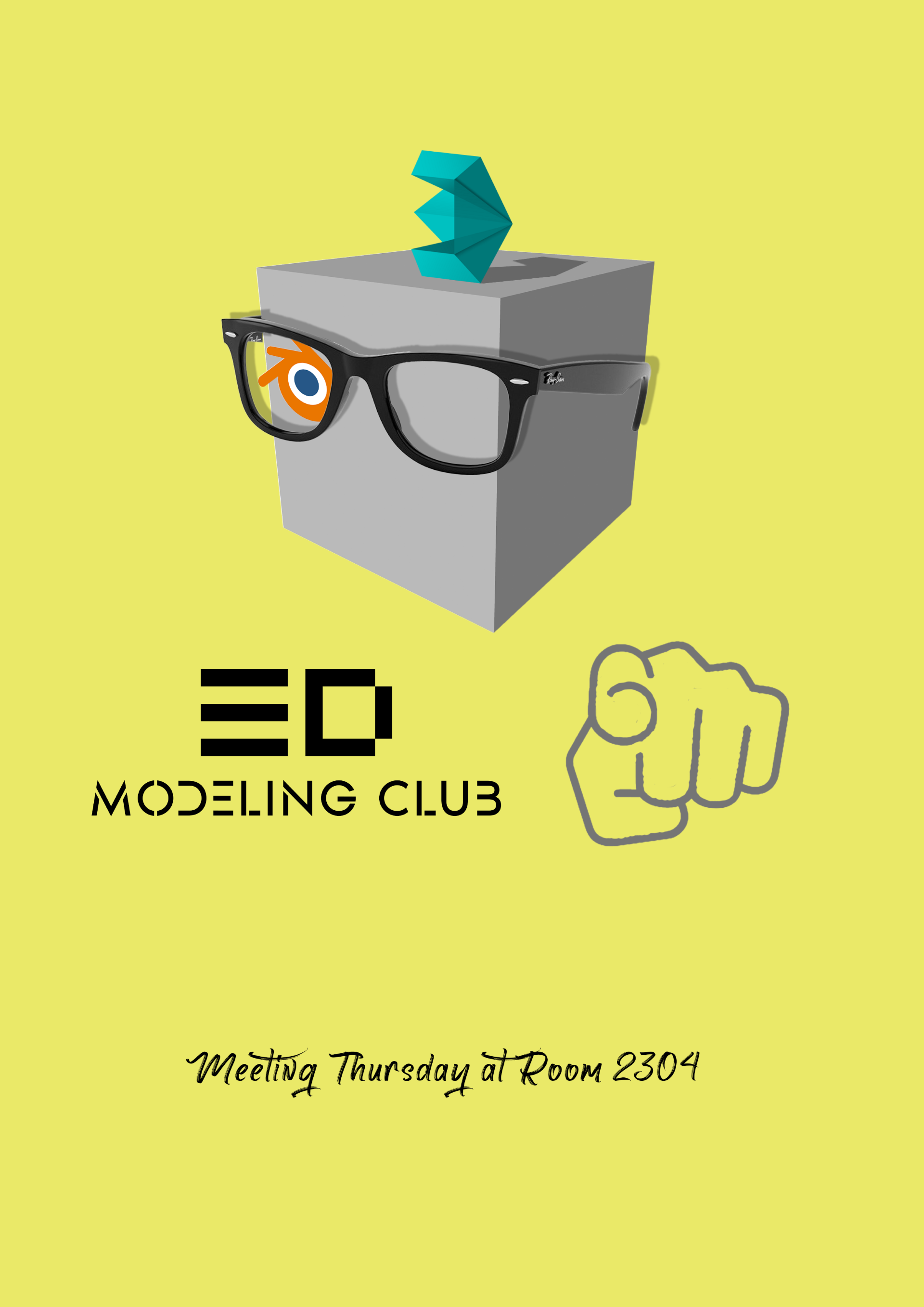

A promotional poster for the 3D modeling club at school created with Photoshop. I took inspiration from the classic “I Want YOU for U.S. Army” poster, while including 3D modeling elements such as the default cube in Blender (inside joke), and the logo for Blender and 3ds Max.
A raccoon made up of polygons created in Illustrator. I used the eyedropper and the pen tool to create the raccoon. I also used the gradient tool to create a yellow background for it.
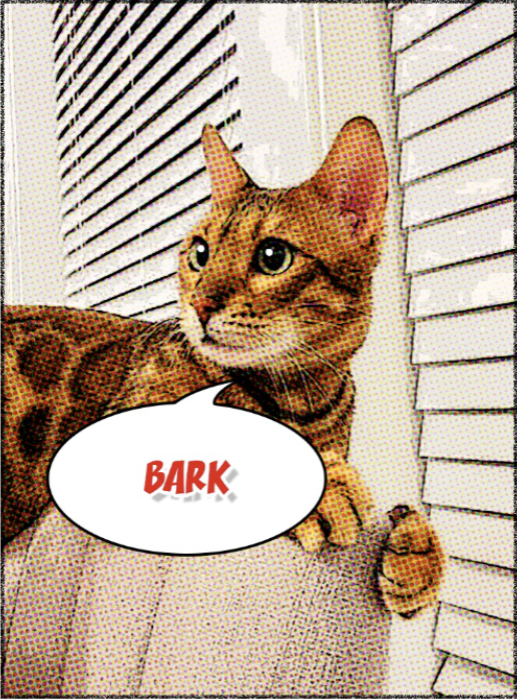
A photo of my cat made in Photoshop. I used multiple layers, changing the filter and vibrance to give a comic style to the photo. I also added a speech bubble that says “bark” to create some humor.
A calligram created in Illustrator. I used the anchor point tool and modified the word "egg" into the shape of an egg.
My
Reflection
These projects are a way that I express my creativity. Besides learning how to use Adobe software, the process of creating these projects also prompts me to look for inspiration and develop the skill of carrying them out.
I am a pretty informal person with many unusual ideas, and I tried to express them in these projects. When looking at other clubs’ posters, I noticed that they included a lot of text and information, but people barely have the time to stop by and read them. When I was designing the poster for the 3D modeling club, I kept only the essential information, such as meeting information and club name. For the rest of the poster, I tried to make it fun and direct, and I chose to mimic the “I Want YOU for U.S. Army” poster, making the default cube form blender the protagonist, the logo of Blender its eye, and the logo of 3ds Max its hat.
My biggest takeaway from these projects is the opportunity to review and express some of the unusual ideas that I have. This encourages me to continue being myself and expressing my personality in future creations.